Raspberry Logo

Raspberry Pi-Hole Ad Blocker

Check the link below to learn how to set up a Pi-Hole ad blocker on your Raspberry Pi.

Block ads ...

About

Project Name: Raspberry Pi-Hole Ad Blocker
Project Type: Ad Blocker
Project Duration: May 2025 - June 2025
Project Status: Completed
Team Size: 1

This project involves setting up a Pi-hole ad blocker on a Raspberry Pi to enhance network privacy and reduce unwanted advertisements across all devices connected to the network.
Components:

  • Raspberry Pi (any model)
  • MicroSD card (with Raspberry Pi OS installed)
  • Power supply for Raspberry Pi
  • Network connection (Ethernet or Wi-Fi)
  • Access to a web browser for configuration

Technical Skills

  • Raspberry Pi Setup: Installing the operating system (e.g., Raspberry Pi OS).
  • Networking Basics: Configuring static IP addresses Understanding DNS (Domain Name System) functionality.
  • Linux Command Line: Executing commands and managing system processes.
  • Software Installation: Using package managers (e.g., apt) to install software Managing software dependencies.
  • Pi-hole Configuration: Setting up ad-blocking features Managing blocklists and customizing DNS settings
  • Web Interface Management: Monitoring network activity and viewing statistics Managing settings through the Pi-hole web interface.
  • Troubleshooting: Identifying and resolving common issues related to network connectivity and configuration.

Images

Zero Day

Zero Day

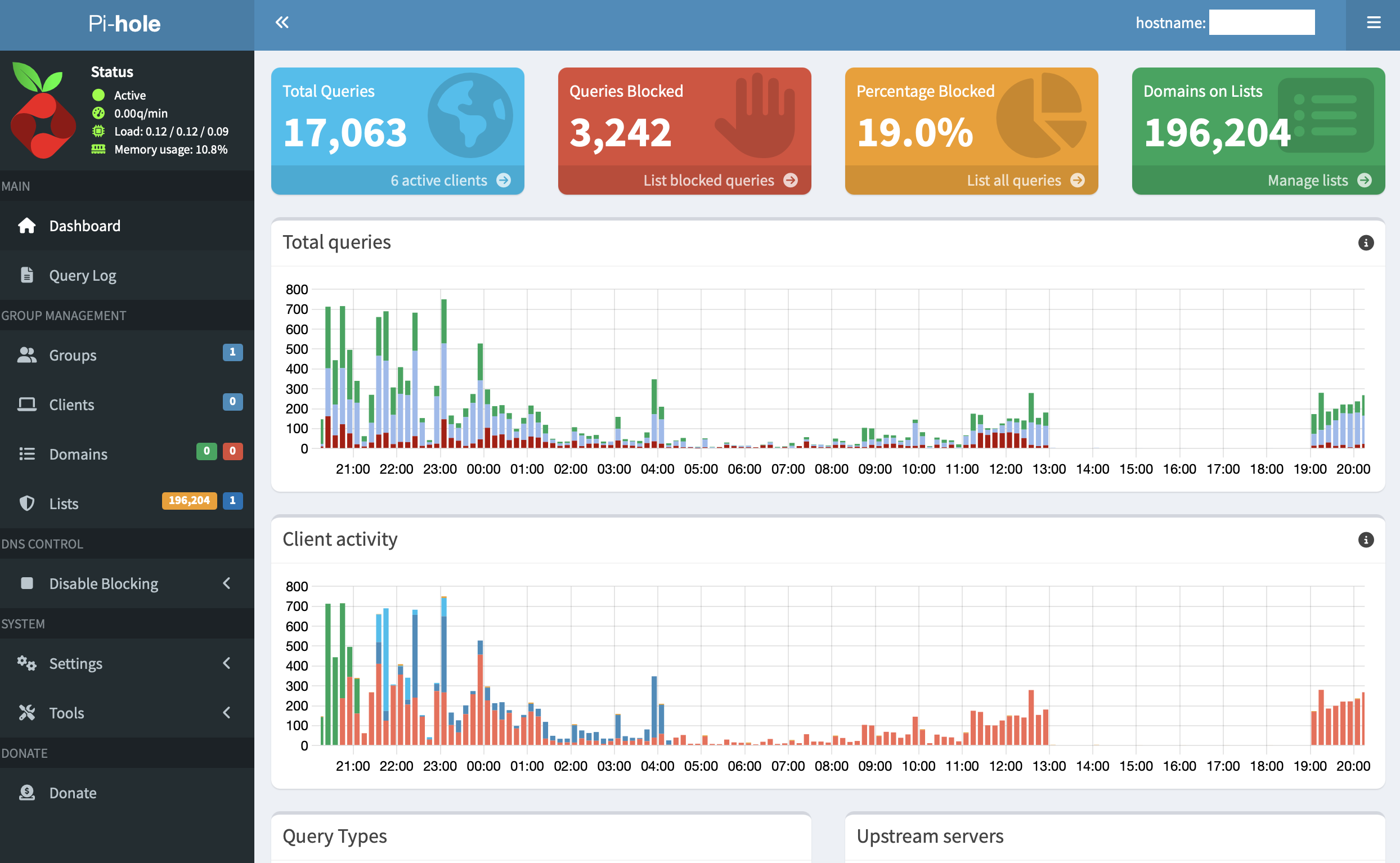
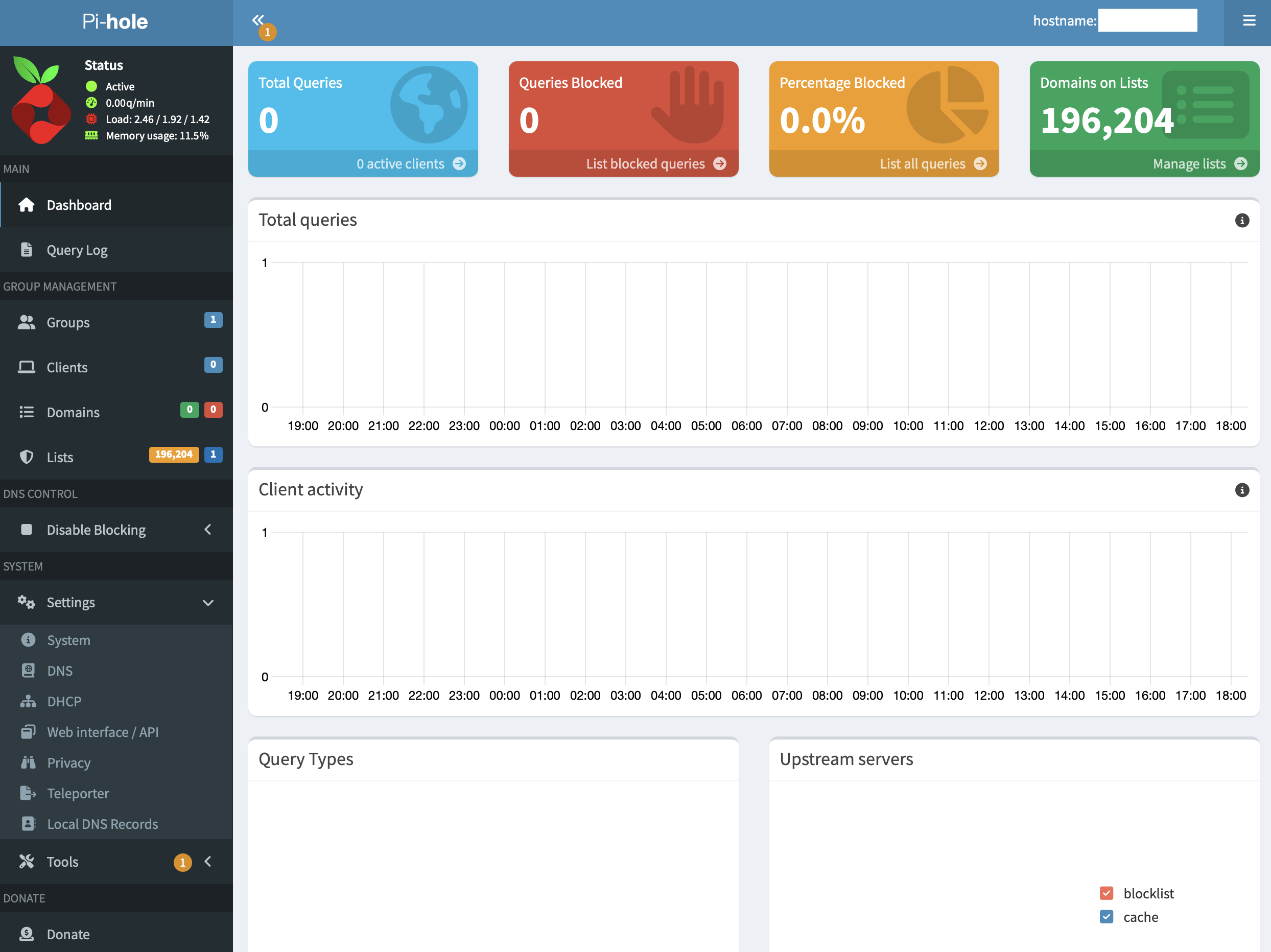
dashboard

Dashboard 1

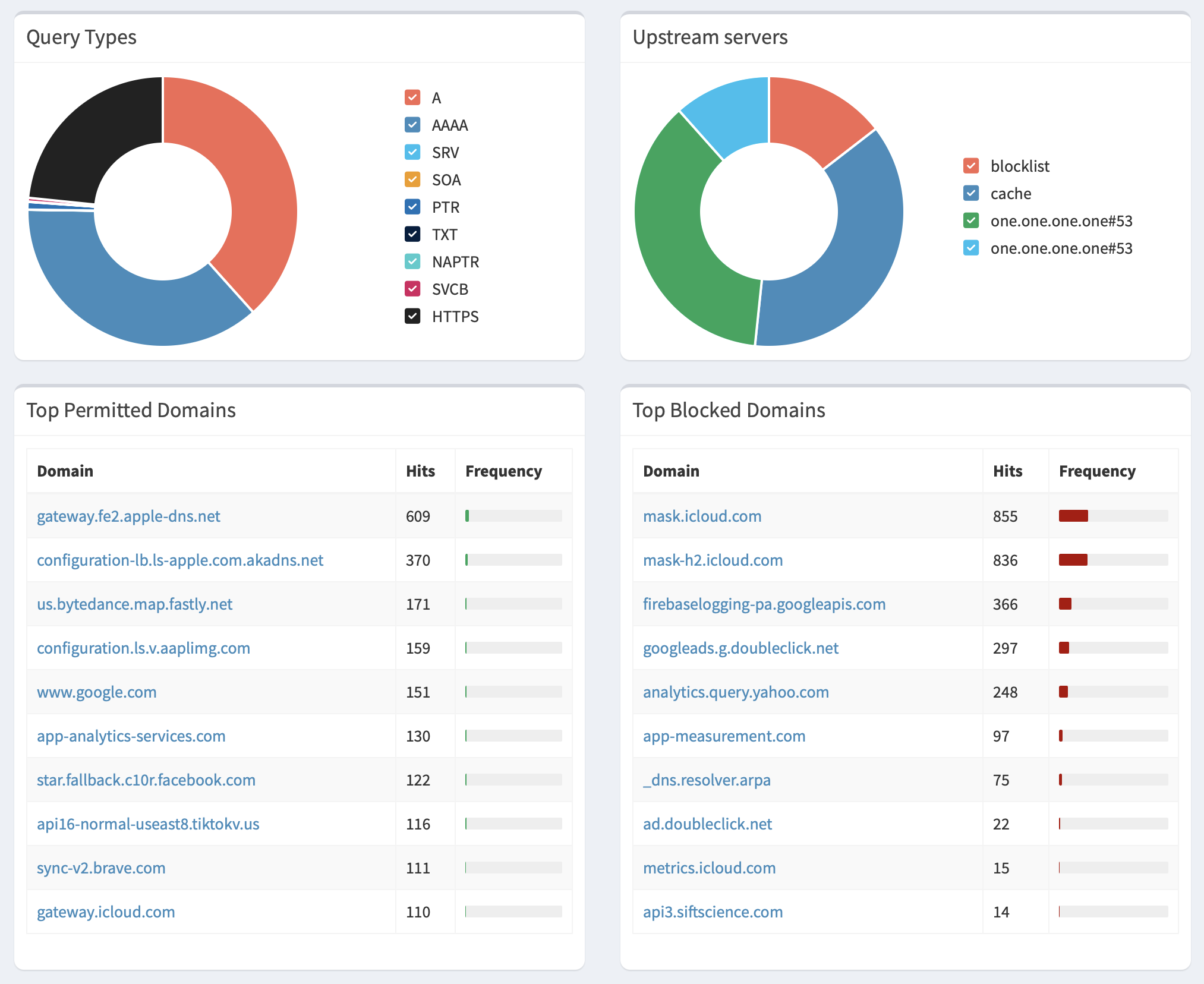
dashboard2

Dashboard 2

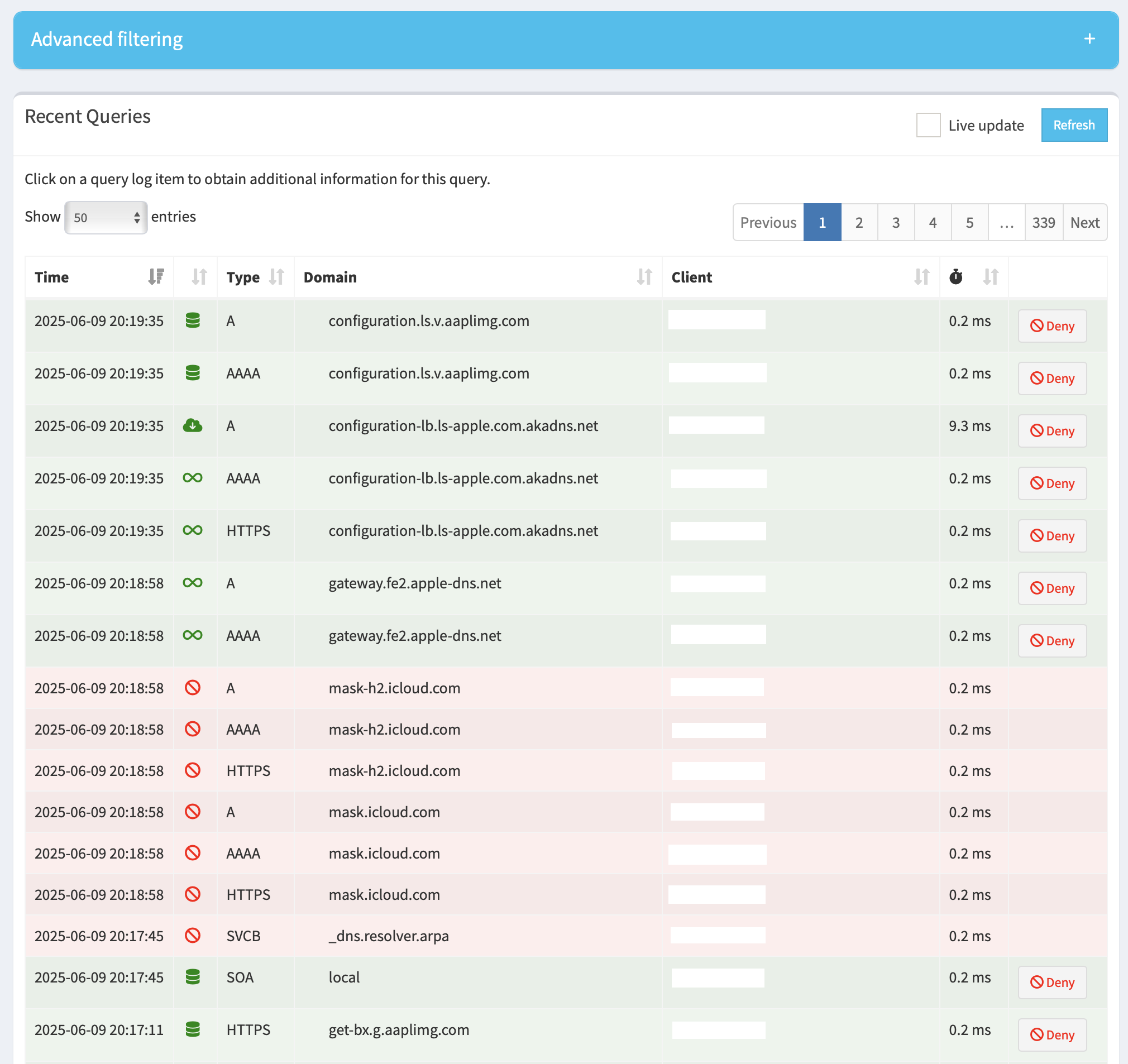
recentQueries

Recent Queries

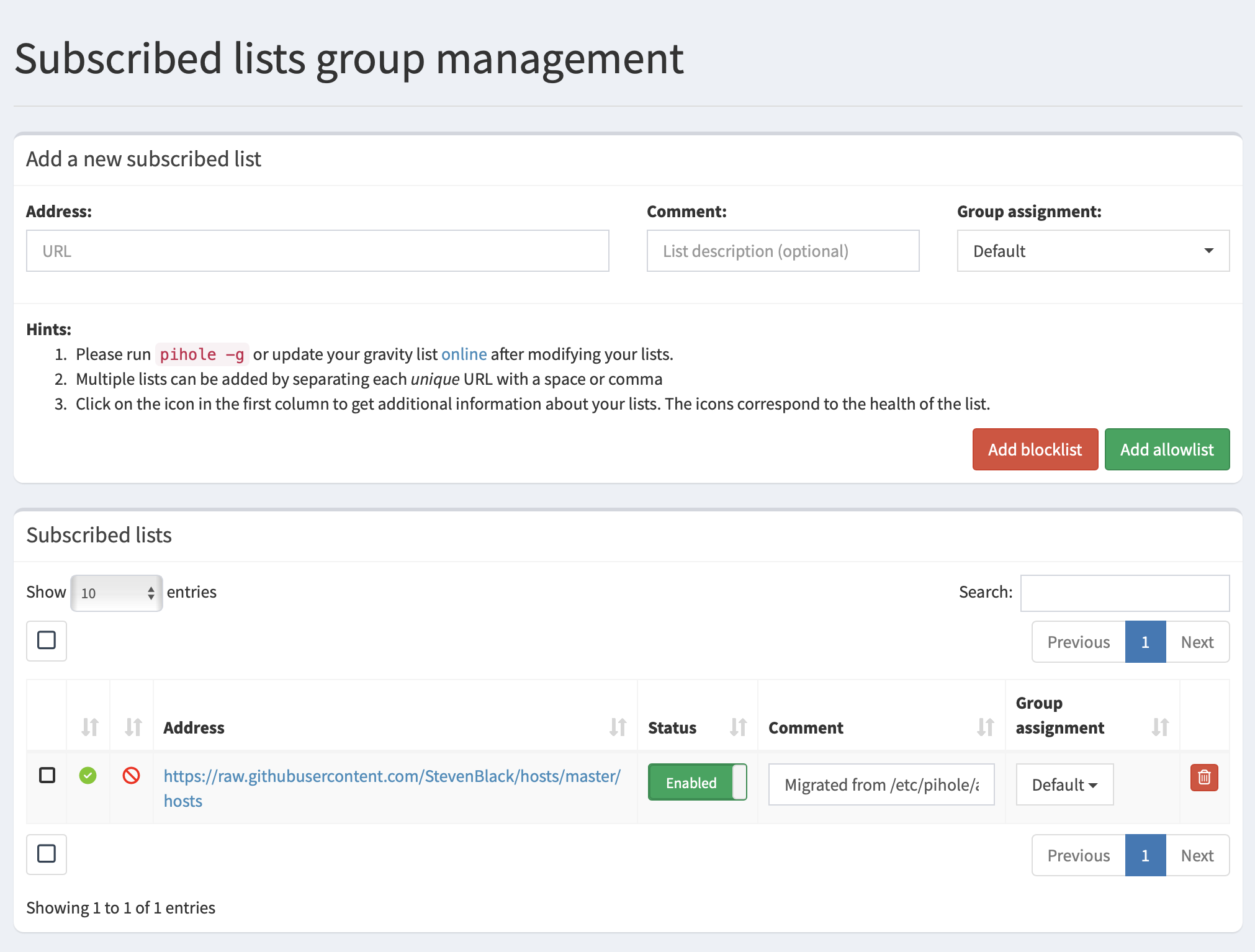
blocklist

Block List

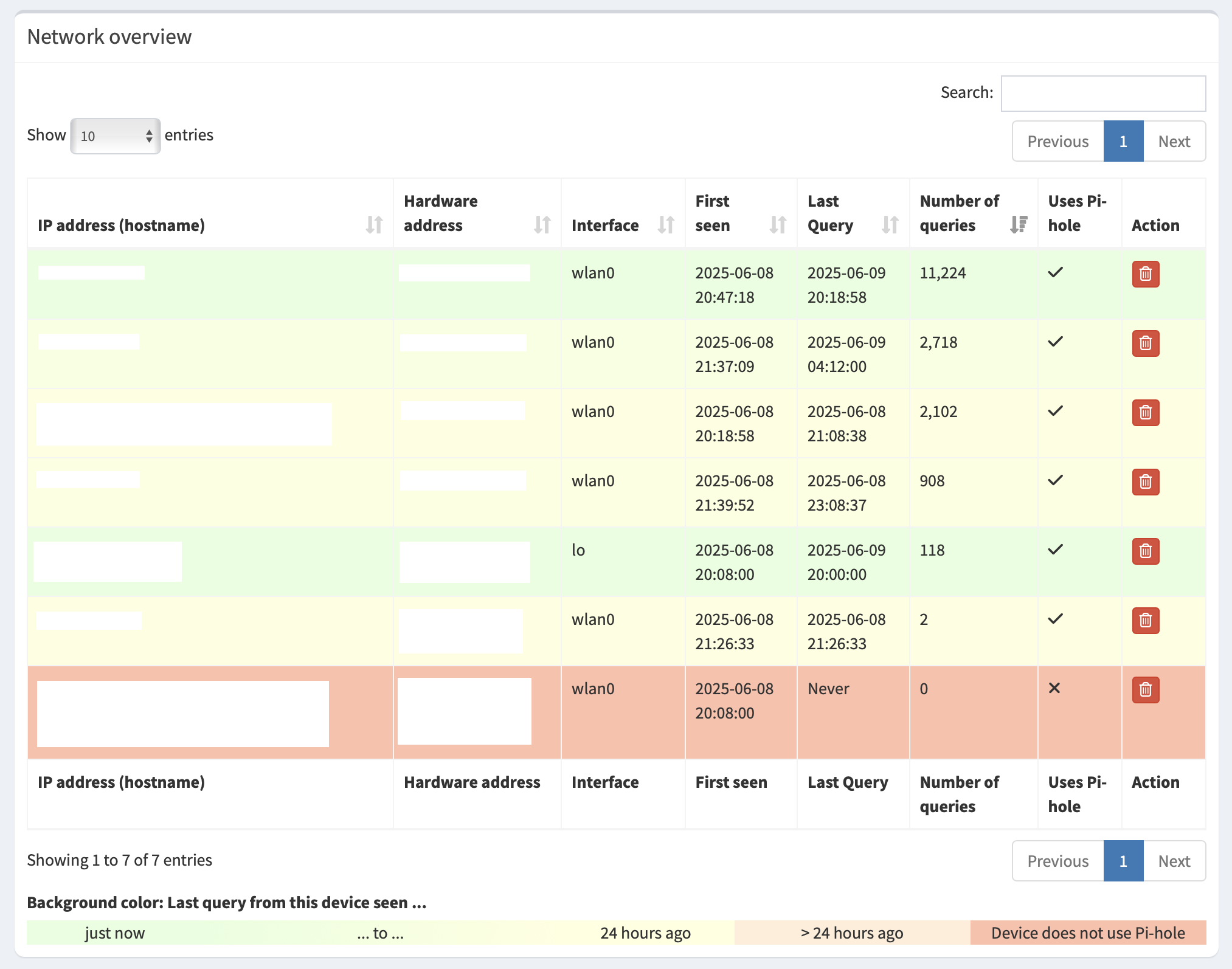
networkOverview

Network Overview

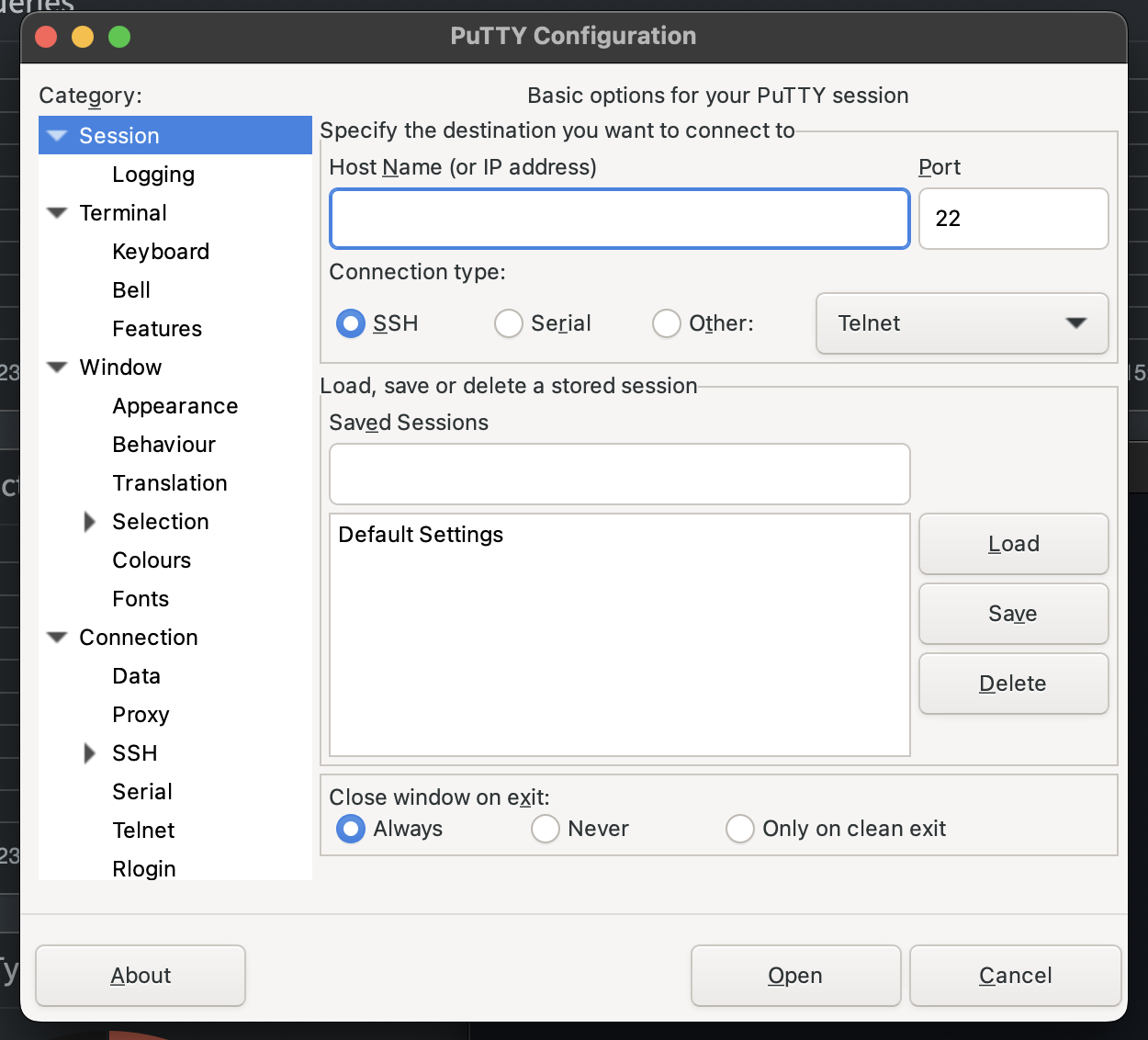
puTTY

SSH - puTTY